
Graphic Design
A Print-Ready Business Card File Checklist
Wiseland Studio · October 8, 2026
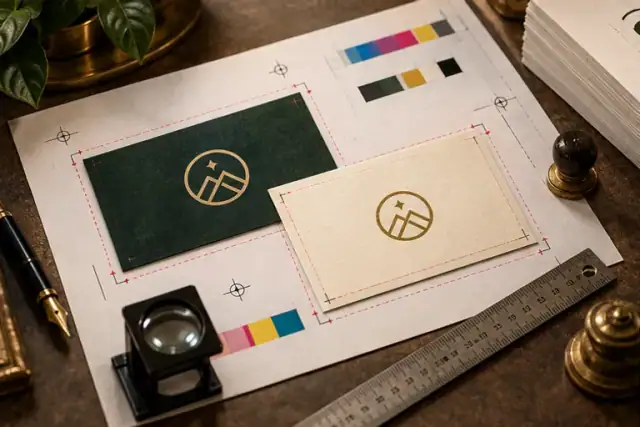
A business card can look perfect on screen and still lose part of a line or border after trimming. Ask the print shop for its specifications before exporting. Final size, bleed, colour workflow and stock can vary between orders.
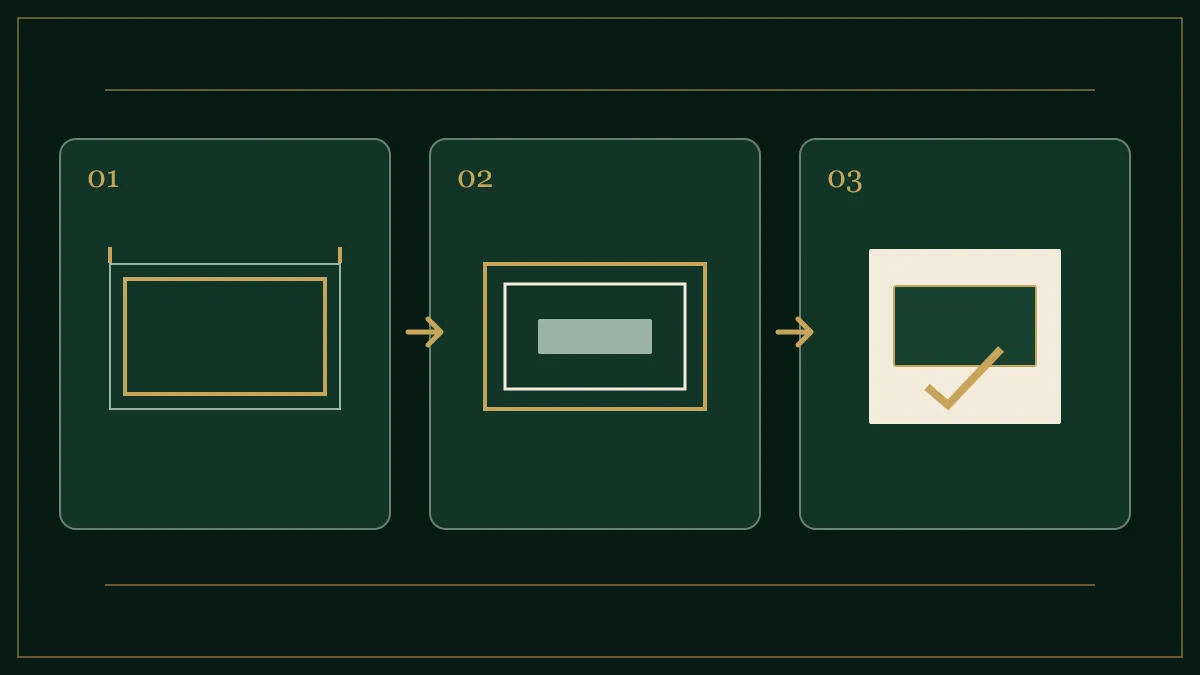
Distinguish trim, bleed and safe area
Trim size is the card that remains in your hand. Bleed extends artwork beyond the trim so minor cutting variation does not expose an unwanted white edge. The safe area sits inside the trim and keeps names, numbers and logos away from the blade. Ask the printer for exact dimensions rather than assuming one universal bleed value.
Name and orient front and back clearly
Deliver both sides at matching dimensions, orientation and trim position. If the artwork could be rotated in two plausible ways, include a small visual showing the intended flip. For bilingual cards, confirm how the printer interprets front and back. Recheck contact details against the original source; a wrong phone number can cost more than a slight colour shift.
Inspect at real size
Print the design on ordinary paper at final size and read it from a normal hand-held distance. Tiny type, thin lines and small QR codes can look fine when zoomed in but fail on the physical card. Scan a printed QR with a phone and give it clear space. Check raster images at intended use size; enlarging a low-resolution image at export does not add real detail.
Export for the actual print process
Ask the printer which colour profile and PDF settings it accepts and whether fonts should be embedded or converted. Keep an editable source file, but deliver a final file using the agreed settings. Reopen the export to catch missing fonts or images. A luminous display does not predict every paper and finish accurately; request a physical proof when a precise colour matters.
Before approving the run
- Trim, bleed and safe area match the order
- Names, numbers, addresses and URLs have been rechecked
- Front/back order and rotation are unambiguous
- Small type and QR code work at physical size
- PDF has been reopened and a proof approved where needed
Our business card design article covers visual decisions earlier in the process. The graphic portfolio shows how a card can be presented as part of a broader identity.