
Graphic Design
Website Typography Hierarchy: From Heading to Button
Wiseland Studio · October 2, 2026
When every line of text has a similar size and weight, the page asks visitors to read everything with equal attention. Most people scan first. A type hierarchy helps them find the page topic, short answer, detail and next action during that scan.
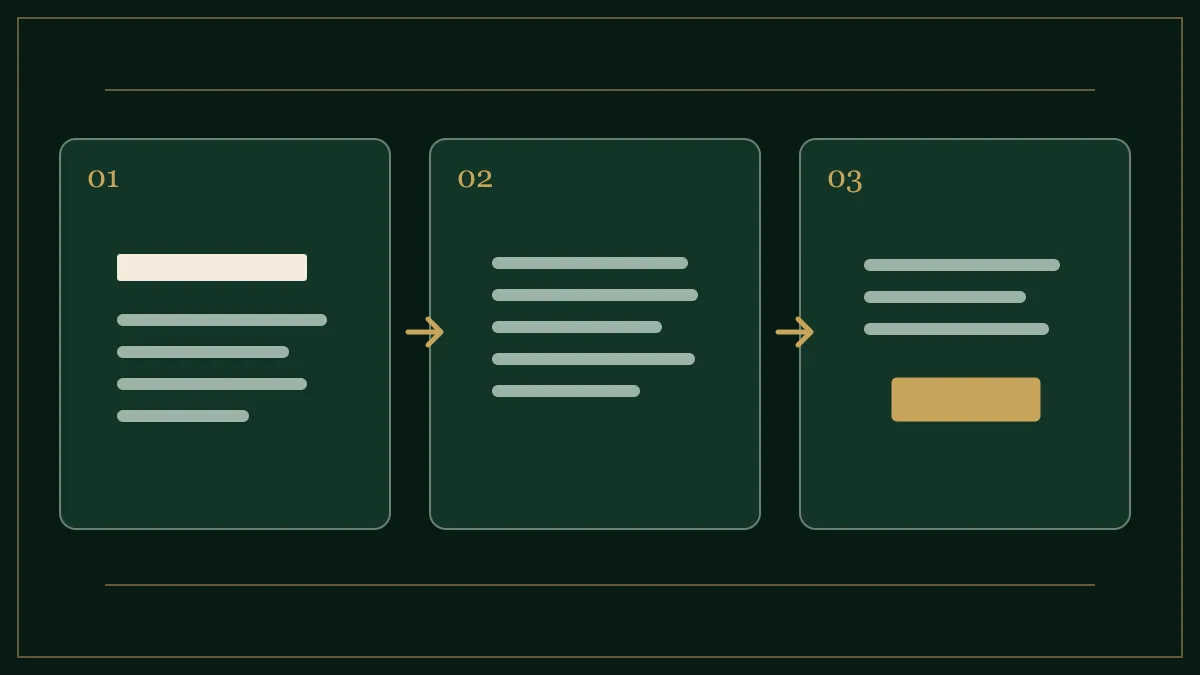
Assign each piece of text a role
A service page can begin with four roles: a main heading naming the service, a subheading clarifying the outcome, section headings separating visitor questions, and body copy explaining detail. Button text is a fifth role; use an action with an understandable result, such as “View work” rather than “More.” A new font cannot compensate for undefined content roles.
Use a restrained scale
Choose body text that can be read on a phone without zooming. Around 16–18 CSS pixels is a common starting range, not a universal rule. A main heading may be roughly twice body size, with section headings between them. Size is only one cue: weight, spacing and colour matter too. If the design has five barely different text sizes, it may work better with three clear levels.
Test line length with real copy
Connected Persian letterforms and long English words can both break a layout that looked fine with placeholder text. Place a real paragraph in phone and desktop widths. If the eye struggles to find the next line, adjust the column width or line spacing. Do not stretch body copy across the entire desktop viewport. Body text often needs more generous leading than headings.
An example service-page hierarchy
Imagine the headline “Business websites that explain your services clearly.” Follow it with one sentence about what the customer receives. Then use sections such as “What problem does it solve?”, “What will you receive?” and “How do we begin?” End with a specific action such as “Request a project review.” A visitor should understand the path even if they skip the paragraphs.
The five-second test
Show the page to someone new for five seconds. Ask what the page is about and what they would do next. If they cannot answer, revise the heading and section order before swapping fonts. Then check mobile layout, text contrast and button states. Avoid placing essential text directly over busy photography without a readable surface.
Our brand typography article covers font choices across an identity system; this guide focuses on a working web page. Explore the studio portfolio for examples of readable visual structure.