
Digital Craft
A Practical Responsive Website Design Checklist
Wiseland Studio · September 28, 2026
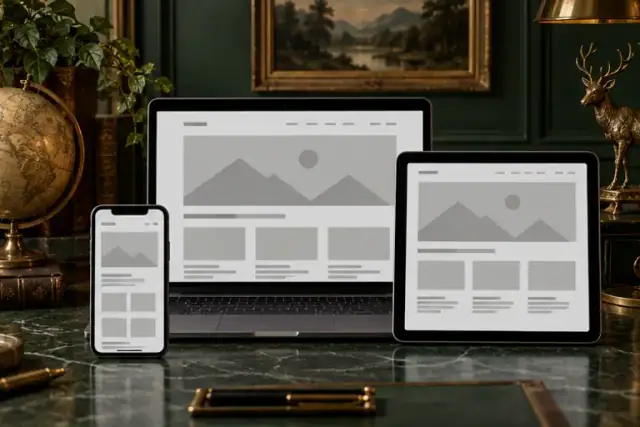
“It looks fine on my laptop” is not enough. A page may scroll sideways at 320 pixels, hide its action under a thumb, or crop the only useful part of an image. Responsive design keeps content and interactions usable across widths; it is more than shrinking everything.
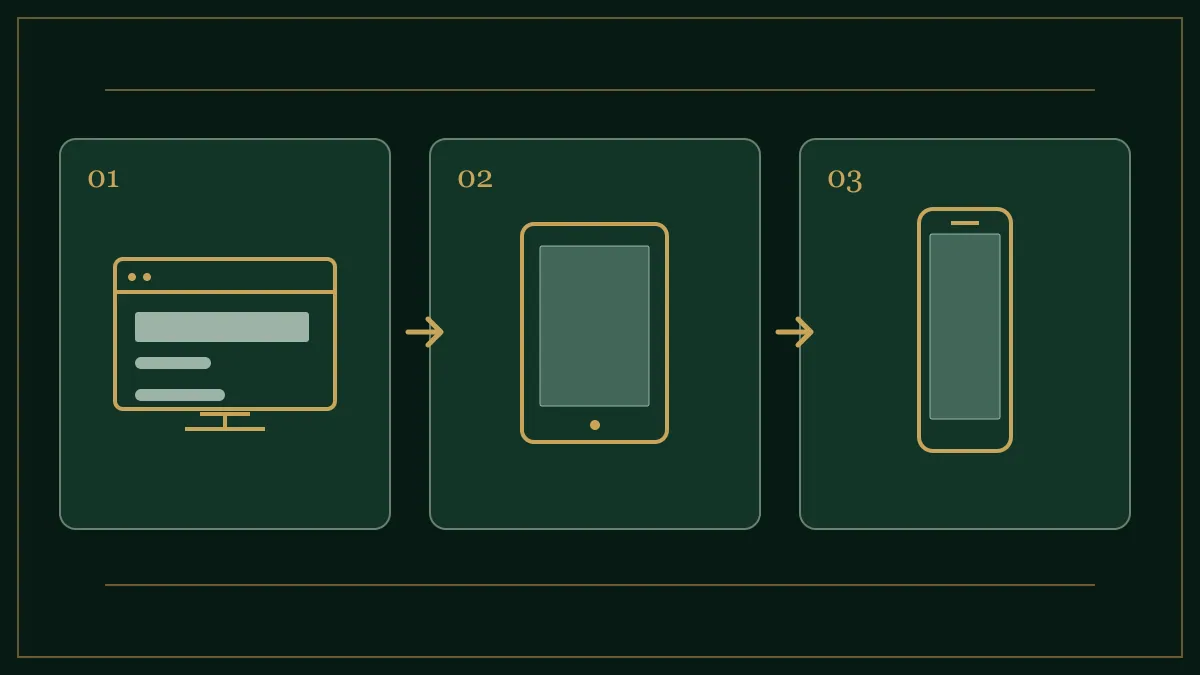
Start with content, not a device list
Open a real page with its longest heading, several cards and a form. Narrow the browser slowly. Add a layout change where the content actually breaks. You do not need a breakpoint for every phone model. Widths around 320, 390, 768 and 1280 pixels make useful initial test points, but inspect the space between them too. They are test samples, not design laws.
A mobile inspection order
-
Horizontal overflow: If the page moves sideways, find the wide element. Tables, fixed-width images, unbreakable text and unsuitable
min-widthvalues are common causes. Hiding overflow on the entire page merely conceals the defect. -
Columns: A multi-column card layout should become two columns and then one before copy becomes cramped. Use fluid widths and a sensible minimum card width instead of dimensions tied to one device.
-
Type: Test long headings in both Persian and English. Line length, leading and section spacing should support reading. Making every font tiny is rarely the answer.
-
Images and actions: Keep the subject visible in narrow crops. Give buttons clear labels, enough separation and comfortable touch areas. Test the menu, validation errors and empty states too.
A small CSS starting point
.cards { display: grid; grid-template-columns: repeat(3, minmax(0, 1fr)); gap: 1rem; }
@media (max-width: 900px) { .cards { grid-template-columns: repeat(2, minmax(0, 1fr)); } }
@media (max-width: 600px) { .cards { grid-template-columns: 1fr; } }
img { max-width: 100%; height: auto; }
Adjust those values after testing your own content. Inspect the page on a real touch device as well as in browser tools; an emulator does not fully reproduce fingers, keyboards or network conditions.
Final check
- No horizontal scroll at tested widths
- Main heading, image subject and action remain clear on mobile
- Menu, form and error messages work by touch
- Cards and tables retain their content
- Both language versions use realistic text lengths
MDN's media-query guide explains the underlying CSS. If an existing business site breaks on mobile, contact the studio to review its key pages.