
Digital Craft
How to Structure Website Navigation So Visitors Do Not Get Lost
Wiseland Studio · October 10, 2026
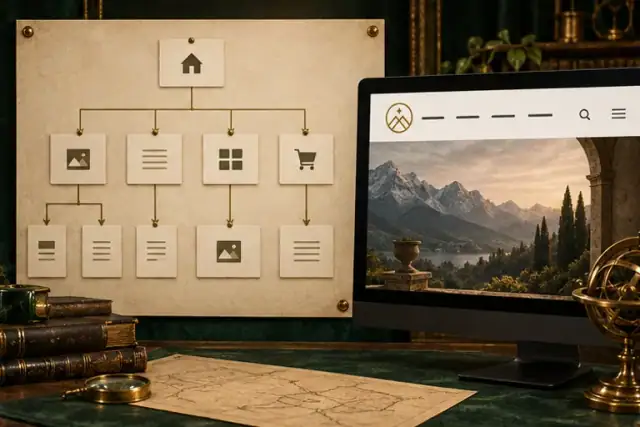
When visitors must guess which menu contains pricing, work samples or contact details, the issue is not merely the menu's appearance. Content grouping and labels are unclear. Information architecture gives each page a predictable place.
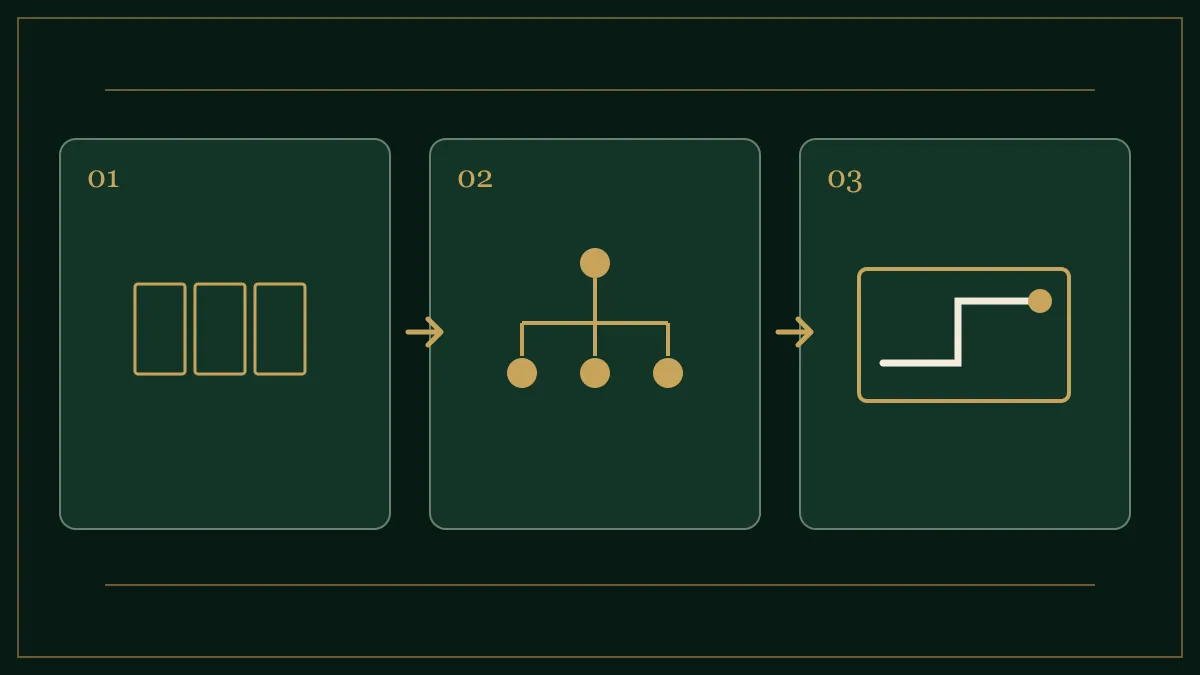
Put real pages on cards first
List home, services, individual services, portfolio, about, frequently asked questions and contact. Do not invent empty pages just to fill the navigation. Group cards by visitor questions: “What do you offer?”, “What have you done?”, “How do I start?” Structure should come from user tasks rather than only the company's internal departments.
Use customer language for labels
“Comprehensive solutions” may sound polished but does not reveal whether the page covers website design or printed cards. Plain labels such as “Website design” and “Portfolio” guide people better. If several services sit under one category, its name should genuinely cover them. A small site rarely needs three hidden menu levels; direct paths are often enough.
Make important paths reachable from several places
Someone may enter through an article from search rather than through home. Link contextually from a guide to a relevant service or case study, and make the path from a service page to contact clear. Primary links should have real destination addresses, not only click handlers. Link text should describe its destination; “visual identity projects” is more useful than “click here.”
Test tasks, not opinions
Set three realistic tasks: find a similar project, learn how collaboration works, and send an inquiry. Show the menu to people unfamiliar with the site and observe their first choice. If many choose the wrong path, revise names and grouping before changing button colours. Then test mobile: the opened menu should not hide its own close control or trap access to the page.
A starting structure for a service website
Home → services → each service; portfolio → each project; journal → each guide; about; contact. This is a starting point, not a universal template. A store or support-heavy business may need different top-level paths.
Google's crawlable-link guide explains useful links and anchor text. For planning the page layout itself, read our wireframing tutorial.