
Visual Identity
Logo Hard to Read at Small Sizes? Seven Quick Tests
Wiseland Studio · October 6, 2026

A logo that looks impressive on a poster may turn into an indistinct blob in a social avatar or mobile header. The file resolution is not always the problem; the mark's form, detail or spacing may simply fail at small scale. Run these seven checks before approving it.
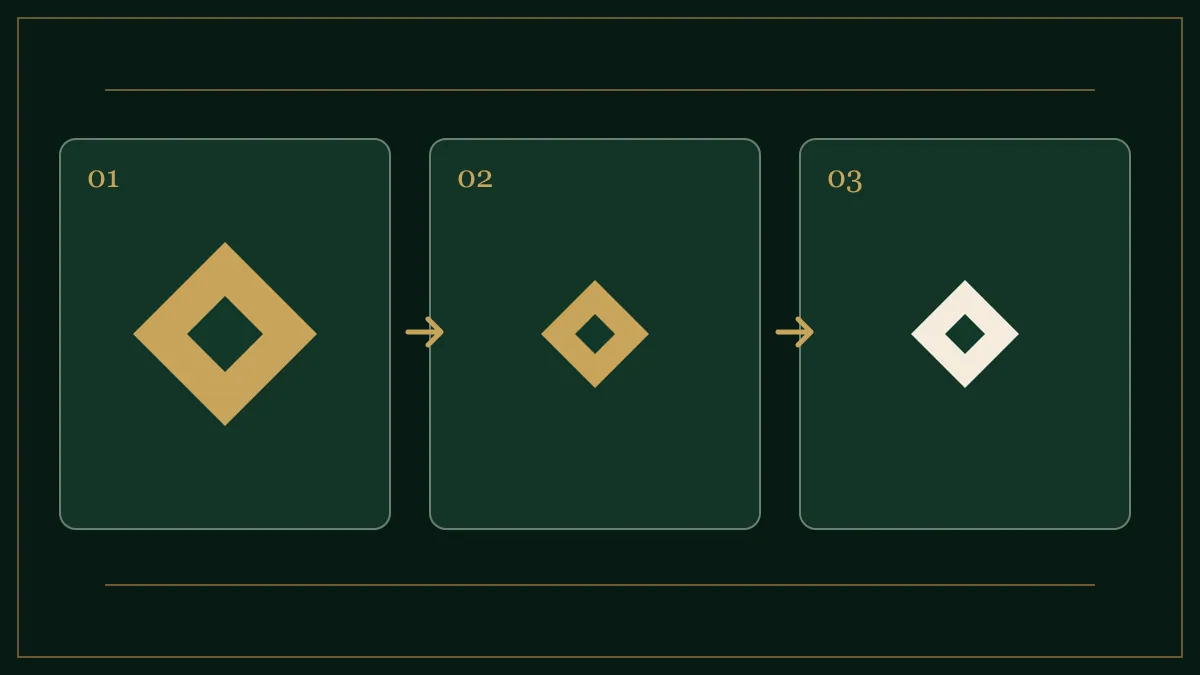
Tests 1–3: size and form
1. Avatar: Place the mark inside a small square. Is the main shape recognisable without reading the name? If not, it may need a compact version.
2. Mobile header: Put the logo at its real website-header height. Thin letters and tiny taglines may effectively disappear.
3. Detail loss: Step back or view the mark small. If internal lines merge, do not preserve every detail. Simplification should protect the idea at the centre of the mark.
Tests 4–6: colour and background
4. One colour: Test solid black on white and white on black. A mark that only makes sense with gradients or shadows may struggle in stamps and restricted print.
5. Real backgrounds: Place it on light, dark and busy photographic surfaces. Different approved versions may be needed; one file is rarely enough everywhere.
6. Clear space: Put it near an avatar edge or next to text. If outer details feel crowded, define more breathing room. Clear space is part of usage guidance, not decoration.
Test 7: recognition without prompting
Show the mark briefly to someone new. Instead of asking whether they like it, ask what shape they saw and which part they remember. Interpretation need not be identical for everyone, but a mark with no memorable constant deserves another look.
What should the final package include?
Depending on use, a primary, compact and one-colour version may be appropriate. They should share one visual logic rather than become three unrelated logos. Choose export formats for print and web carefully; our SVG, PDF, PNG and WebP guide helps with that decision. Review the logo portfolio for examples of identity presentation.