
Digital Craft
Network Reset Script: The Simplest Way to Reset Network Settings in Windows
WiseLandStudio · September 7, 2026
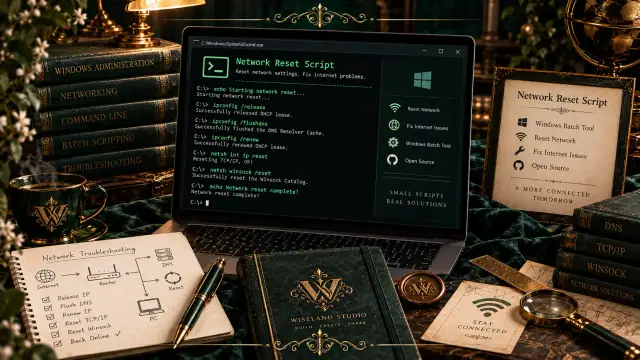
Network Reset Script: The Simplest Way to Reset Network Settings in Windows Have you ever faced internet disconnection, DNS errors, or network identification issues and had to spend hours typing long, confusing commands in CMD? The Network Reset script does this for you. An intelligent batch file that resets all your network settings to default with a single run.
What is the Network Reset Script? Network Reset Script is a batch file (.bat) that contains a collection of the most commonly used network reset commands. This script is designed for the Windows operating system, allowing users to reset their network settings without any technical knowledge.
What Does This Script Do? By running this batch file, the following commands are executed automatically and sequentially:
ipconfig /release: Releases the current IP address.
ipconfig /renew: Obtains a new IP address from the DHCP server.
ipconfig /flushdns: Clears the DNS cache.
nbtstat -R: Purges the NetBIOS name cache.
netsh int ip reset: Resets the TCP/IP protocol settings.
netsh winsock reset: Resets the Winsock catalog (Windows network stack).
netsh winhttp reset proxy: Resets the proxy settings.
Why Do You Need This Script? Saves Time: Instead of typing each command individually, you just run one file.
No Technical Knowledge Required: Even if you're unfamiliar with the command line, you can easily use it.
Quickly Fixes Common Issues: This script resolves many common internet connection problems, DNS errors, and network restrictions.
Reusable: Download it once and run it whenever you need it.
How to Use Using this script is very simple:
Download the Network-Reset.bat file from the GitHub repository.
Right-click on the downloaded file and select "Run as administrator". (Administrative privileges are required).
Wait for the commands to execute one after another.
Once completed, you will see a "Operation completed successfully" message.
Restart your system to apply the changes.
Getting the Script You can obtain the Network Reset script in two ways:
Method 1: Download from GitHub Visit the project repository and download the file: Project Repository: https://github.com/SaeedForouzandeh/Network-Reset-Script
Method 2: Create the File Manually If you want to create this script yourself, simply create a new text file and copy the code below into it. Then save the file with your desired name and the .bat extension (e.g., Reset-Network.bat).
batch @echo off echo Resetting network settings... ipconfig /release ipconfig /renew ipconfig /flushdns nbtstat -R netsh int ip reset netsh winsock reset netsh winhttp reset proxy echo. echo Operation completed successfully. Please restart your system. pause Conclusion The Network Reset script is a small but powerful tool that simplifies the network troubleshooting and reset process. If you're tired of recurring network issues, download this script and run it at the first sign of trouble.
Useful Links:
GitHub Repository: https://github.com/SaeedForouzandeh/Network-Reset-Script